SaaS Management Platforms for Remote Teams: How They Work and How to Choose One
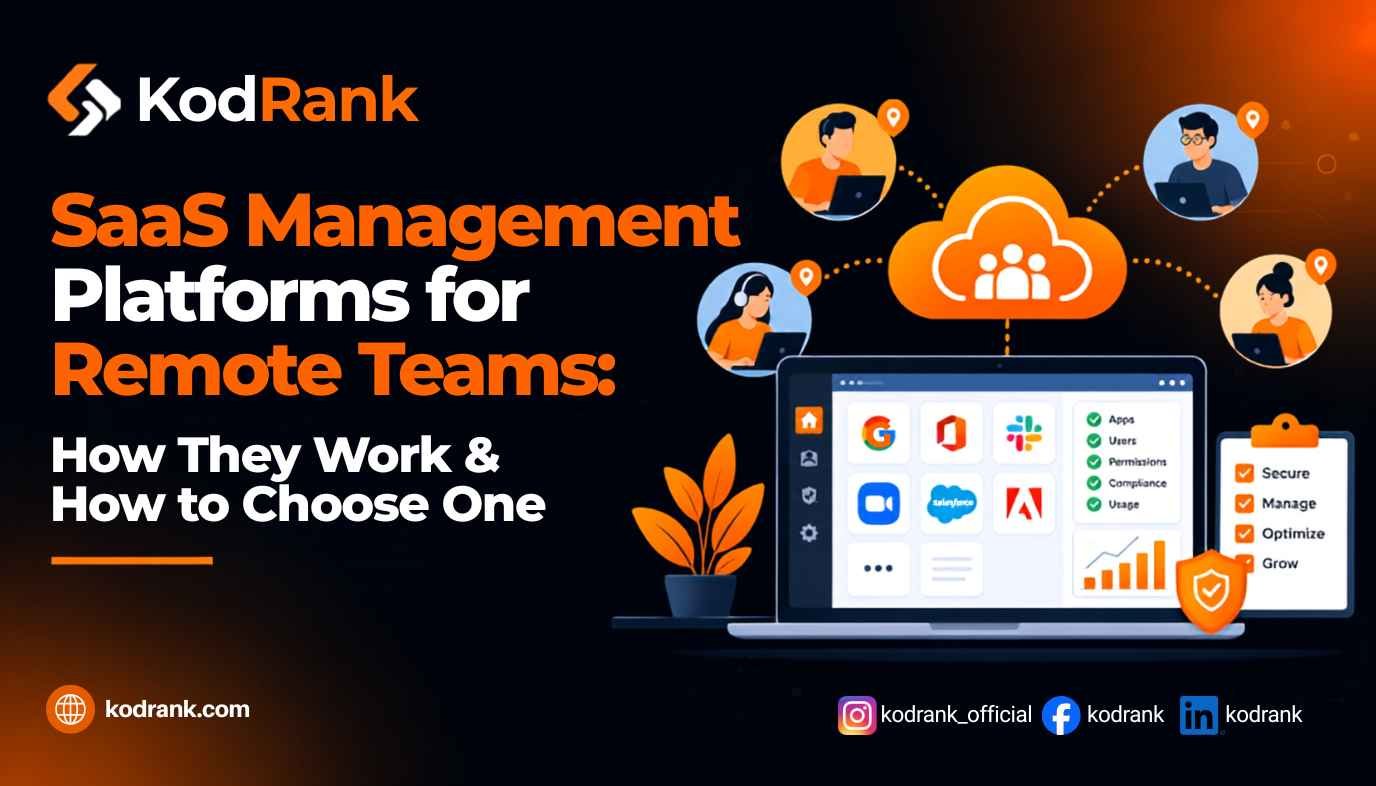
SaaS management platforms for remote teams give IT, finance, and security one live system of record for every cloud app the company uses. They discover apps (including ones nobody approved), show who is actually using each license, automate onboarding and offboarding, and flag renewals before they auto-charge. For a distributed team with no office network to monitor, that visibility is often the only reliable way to know what software you're paying for and who still has access to it.
That's the short answer. The longer one is below: why remote teams feel SaaS sprawl harder than office-based ones, which features actually matter, which platforms are worth a look, and how to pick one without buying more than you need.
What is a SaaS management platform?
A SaaS management platform (SMP) is software that centralizes the discovery, tracking, cost control, and access management of all the SaaS applications an organization uses.
Flexera describes an SMP as a tool that gives IT, finance, and procurement teams visibility and control over the entire SaaS portfolio, pulling data from browser extensions, SSO connectors, CASBs, and direct API integrations.
In practice, most platforms do five jobs:
- Discovery: find every app in use, sanctioned or not.
- Inventory: turn that data into one catalog with owners, users, contracts, and spend.
- License optimization: spot unused or underused seats and reclaim them.
- Lifecycle automation: provision access on day one and revoke it on the last day.
- Renewal and spend management: warn you before contracts renew and show where money is going.
An SMP is different from traditional software asset management (SAM) tools. As Zylo points out, SAM tools typically focus on big enterprise vendors, while an SMP is built to catch long-tail and low-cost tools and to manage renewals, which is exactly where remote teams leak money.
Why remote teams feel SaaS sprawl first
Every company has SaaS sprawl. Remote and hybrid companies just have fewer ways to see it.
There's no office network to watch
In an office, IT can at least see traffic leaving the building. A fully remote team works from home Wi-Fi, coffee shops, and co-working spaces. The only reliable signals are identity logins, expense data, and browser activity, which is why modern SMPs lean on those sources.
Buying decisions are scattered
Remote teams tend to hand budget ownership to team leads, and people sign up for tools on company cards to unblock themselves. Zylo's 2026 SaaS Management Index found that business units now control 81% of SaaS spend while IT directly manages only 15%. The same report showed expense-based SaaS spend rising 267% year over year, with ChatGPT now the most expensed app.
For a remote team, that looks like this: a designer in Lisbon expenses an AI image tool, a marketer in Toronto starts a trial of a survey app, and a contractor in Lahore connects a note-taking bot to your Google Workspace. None of it passes through IT.
Offboarding happens over a video call
When someone leaves a remote company, there's no desk to clear and often no in-person handoff. Disabling their email feels like the end of it, but their logins to project tools, design apps, and signed-up-with-Google services can stay live.
Portfolios grow every month
Zylo's 2026 data puts the average portfolio at 305 apps, with 9 new apps added per month. Those numbers come from larger organizations, but the pattern holds for smaller teams too. Cledara, which works mostly with startups and scaleups, reports that the median company has 25 SaaS subscriptions. A spreadsheet can track 25 tools. It struggles when those tools change hands every quarter across six time zones.
The cost of not knowing is real
According to Zylo, only 54% of SaaS licenses are used in the average enterprise, and 78% of surveyed IT leaders reported unexpected charges tied to consumption-based or AI pricing in the past year. Gartner, as quoted by Calero, projects that organizations without centralized SaaS visibility will overspend by at least 25% through 2028.
Key features to look for in SaaS management platforms for remote teams
Not every feature matters equally. For distributed teams, these are the ones that earn their keep.
Multi-source discovery (browser + identity + finance)
Discovery is the foundation. A platform that only reads your SSO logs will miss every tool someone signed up for with a password or a "Continue with Google" button. Look for platforms that combine identity provider data, finance and expense integrations, and a browser extension. Torii, for example, says its browser-based discovery catches apps that never touch your IdP or SSO.
Remote-team check: Can the browser extension be deployed through your MDM to laptops you've shipped to employees' homes?
Automated onboarding and offboarding
This is the feature that pays for itself fastest on a remote team. When HR marks someone as hired or departed in your HRIS, the platform should trigger a workflow that grants or revokes access across apps, including apps outside your SSO.
Remote-team check: Does offboarding revoke OAuth tokens and connected-app access, not just the SSO account?
License usage and reclamation
You want usage data at the seat level: who logged in, when, and how often. The best platforms let you set rules such as "flag any seat unused for 60 days" and then reclaim or downgrade it automatically.
Renewal tracking and spend visibility
Remote teams often have contracts owned by people who've since moved roles. A renewal calendar with named owners, plus alerts 60 to 90 days out, prevents surprise auto-renewals.
Shadow AI detection
AI tools are the fastest-growing category of unapproved software. Zylo reports that spend on AI-native apps rose 108% year over year. Your platform should identify AI tools and flag which ones have been granted access to company data.
Integrations that go deep, not just wide
A long integration list looks good on a sales page, but depth matters more: how much usage and permission data the platform actually pulls from each app. Prioritize deep connections to your identity provider (Okta, Google Workspace, Microsoft Entra), your HRIS, your accounting system, and your top 10 most-used apps.
Audit-ready logs
If you're pursuing SOC 2 or ISO 27001, access reviews and offboarding logs are evidence auditors will ask for. A platform that records every access change saves weeks of screenshot-hunting.
SaaS management platforms worth shortlisting
The market ranges from enterprise suites to lightweight tools for startups. Several vendors have announced they were named Leaders in the 2026 Gartner Magic Quadrant for SaaS Management Platforms, including Zylo, Torii, Calero, Flexera, and CloudEagle.ai.
Here's a practical view of where different platforms tend to fit. Always confirm current features and pricing directly with the vendor.
| Platform | Best fit | What stands out |
|---|---|---|
| Zylo | Large enterprises focused on spend | Spend-optimization focus backed by a large SaaS invoice dataset, plus advisory services |
| Torii | Mid-size and enterprise IT teams wanting automation | Browser-first discovery and no-code joiner/mover/leaver workflows |
| BetterCloud | IT teams running heavy SaaSOps | No-code workflow automation with pre-built templates for onboarding, offboarding, and access changes |
| CloudEagle.ai | Teams combining procurement and identity governance | Positions itself around SaaS spend plus access governance |
| Flexera | Organizations already managing broader IT assets | SaaS management alongside wider IT asset and cost management |
| Calero | Global enterprises with complex vendor portfolios | Emphasis on license optimization, renewals discipline, and governance at scale |
| Josys | Teams prioritizing identity security | Describes itself as an AI-native identity security and governance platform |
| Cledara | Startups and scaleups | Pays each subscription through its own virtual card, which feeds a live software record |
| ManageEngine SaaS Manager Plus | Very small teams testing the category | Offers a free version for up to five users after the trial |
A quick rule of thumb:
- Under ~50 people: a spend-first tool like Cledara, or a free tier, is often enough. Your biggest risk is forgotten subscriptions and card sprawl.
- 50 to 500 people: prioritize automated offboarding and browser discovery. This is where access risk starts to outgrow manual checklists.
- 500+ people or regulated industries: look at the enterprise leaders and weigh governance, audit logs, and procurement workflows heavily.
How to choose a SaaS management platform for a remote team
Use this six-step process to avoid buying a platform your team won't use.
- Audit what you already know. Export card and expense transactions for the last 12 months and list every software vendor. This gives you a baseline to test each platform's discovery against.
- Define your primary problem. Is it wasted spend, offboarding risk, compliance evidence, or shadow AI? Rank them. Most platforms are strongest at one or two.
- Map your core systems. List your identity provider, HRIS, accounting tool, and device management. Shortlist only platforms with deep integrations for all four.
- Run a discovery bake-off. During trials, compare how many apps each platform finds against your baseline. The gap tells you how good its discovery really is.
- Test one real offboarding. Walk a recent (or mock) departure through the platform and check what it actually revoked, including non-SSO apps.
- Model the payback. Compare the annual cost against reclaimable licenses and avoided renewals from your trial data, not the vendor's case studies.
Your first 90 days after rollout
Buying the platform is the easy part. Here's a realistic rollout plan for a distributed team.
Days 1–30: Connect and discover. Integrate your IdP, HRIS, and finance systems. Push the browser extension to all managed laptops. Don't act on anything yet; let the inventory fill in.
Days 31–60: Assign owners and clean up. Give every app a named owner, ideally someone in the time zone where most of its users sit. Cancel obvious duplicates (three project management tools is a common find) and reclaim clearly unused seats.
Days 61–90: Automate and set policy. Build onboarding and offboarding workflows, set renewal alerts, and publish a simple app-request process. Keep it lightweight. If requesting a tool takes longer than expensing it, people will keep expensing it.
Should you build your own SaaS tracking tool instead?
Some teams consider building an internal tracker with scripts, a database, and a dashboard. It can work if your needs are narrow, for example, if you only need to reconcile card spend against a known vendor list.
It gets harder once you need browser-level discovery, dozens of API integrations, and reliable deprovisioning. Those are ongoing engineering commitments, not a one-time build. If you're weighing that trade-off, our guide on how to choose the right custom software development partner covers how to scope an internal build honestly before committing budget.
And if your company is on the other side of this market, building a SaaS product that needs clean multi-tenancy, per-customer access control, and subscription billing, our SaaS software development services are designed for exactly that.
Common mistakes remote teams make with SaaS management
- Treating it as an IT-only project. Finance holds the spend data and HR holds the join and leave dates. Without both, automation breaks.
- Blocking tools instead of guiding them. Heavy-handed bans push purchases onto personal cards, which makes visibility worse.
- Stopping at SSO. Disabling a single sign-on account doesn't touch apps that were never connected to it.
- Ignoring connected apps and tokens. Integrations and AI assistants granted access to company data can keep that access after the person who approved them leaves.
- Never revisiting the inventory. Portfolios change monthly. A one-time cleanup decays fast.
Unmanaged dependencies are a growing security concern across the software industry, not just in SaaS stacks. We cover that broader picture in our breakdown of software development industry challenges in 2026.
Frequently asked questions
What does a SaaS management platform do?
A SaaS management platform discovers every cloud application an organization uses, tracks licenses, usage, and spend in one place, automates user onboarding and offboarding, and alerts teams to upcoming renewals. It gives IT, finance, and security a shared source of truth for the company's software.
Why do remote teams need a SaaS management platform?
Remote teams have no central office network to monitor, purchasing is spread across team leads and expense cards, and offboarding happens without an in-person handoff. An SMP uses identity, finance, and browser data to find apps and revoke access regardless of where employees work.
How is a SaaS management platform different from an SSO tool?
SSO controls how people log in to apps connected to it. A SaaS management platform also finds apps that aren't connected to SSO, tracks spend and license usage, manages renewals, and automates access changes across both connected and unconnected apps. Many teams use both together.
Are SaaS management platforms worth it for small businesses?
It depends on how many tools you pay for and how often people join or leave. Very small teams can start with a free tier or a spend-focused tool. Once you're managing dozens of subscriptions and regular staff changes, automated discovery and offboarding usually justify the cost.
How do SaaS management platforms find shadow IT?
Most combine several sources: identity provider and SSO logs, expense and accounting data, direct API integrations with major apps, and browser extensions that detect sign-ups to new tools. Using several sources together catches far more apps than any single method.
Can a SaaS management platform help with SOC 2 or ISO 27001?
Yes. Many platforms keep logs of access grants, access reviews, and offboarding actions, which can serve as evidence during audits. Confirm with each vendor which reports and log exports they support for your specific framework.
How much SaaS spend is typically wasted?
Benchmarks vary by source. Zylo's 2026 index reports that only about 54% of licenses are used in the average enterprise. Your own number depends on seat prices and usage, so the simplest starting point is multiplying unused paid seats by their annual cost.
The bottom line
SaaS management platforms for remote teams solve a problem that gets worse with every new hire, every expensed tool, and every departure handled over a video call: nobody has a complete picture of what software the company runs or who can still get into it.
The right platform isn't the one with the longest feature list. It's the one that discovers your real stack, connects cleanly to your identity, HR, and finance systems, and makes offboarding airtight. Start with a clear baseline, test discovery and offboarding in the trial, and roll it out in stages.
If you're building a SaaS product for this market, or any SaaS product that needs to scale and get found, talk to the KodRank team. We handle both the engineering and the search visibility under one roof.