WordPress vs. headless: choosing an SEO-proof CMS for growth
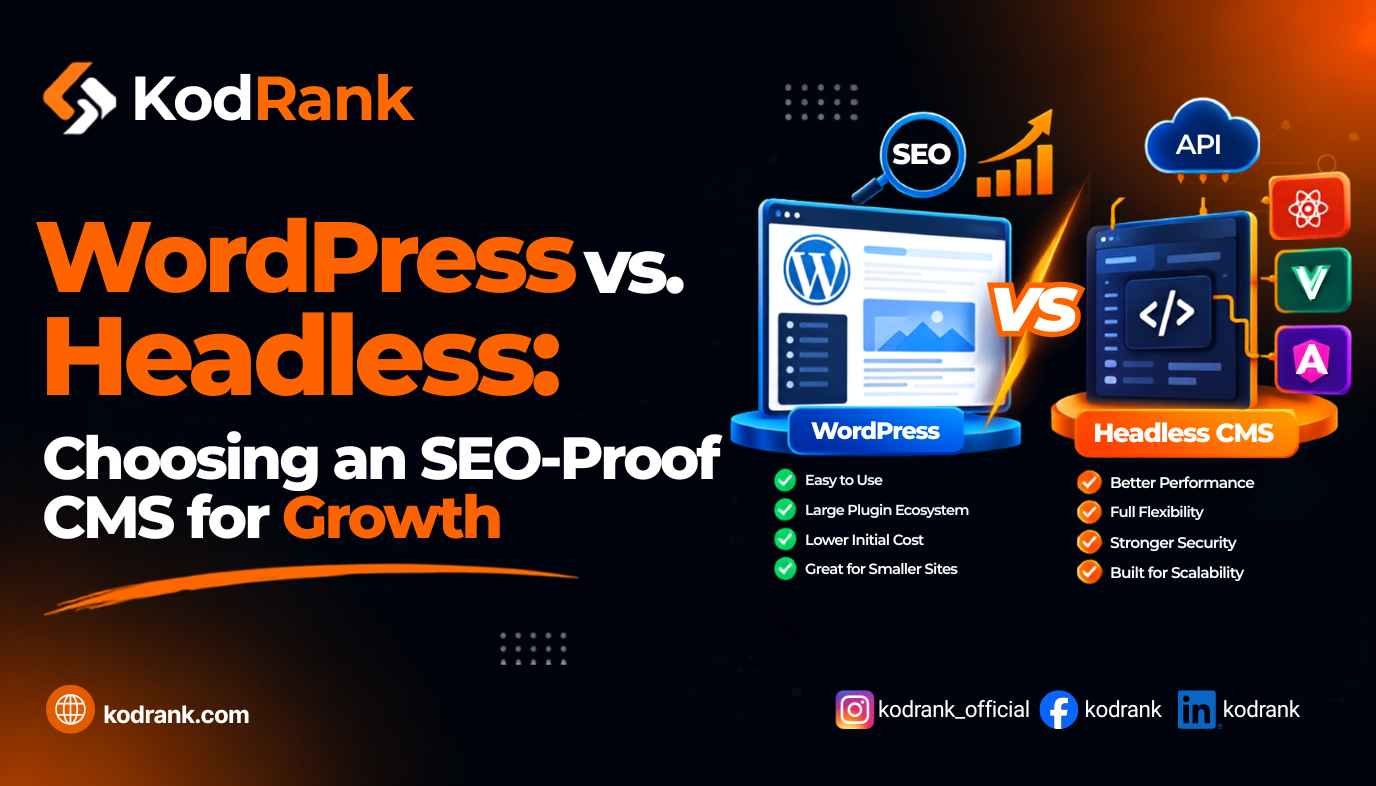
WordPress vs. headless CMS is one of those debates that sounds deeply technical but comes down to a very practical question: which setup helps your site rank better, get cited by AI engines, and actually serve your business without creating a maintenance nightmare?
The short answer is that there's no universal winner. WordPress is still the right call for most content-driven businesses. A headless architecture earns its complexity for teams with the development resources to use it well. And headless WordPress — where you keep the CMS but replace the frontend — is increasingly where serious SEO teams are landing in 2026.
Here's how the real trade-offs break down.
What "Headless CMS" Actually Means
Before getting into SEO specifics, it's worth being precise about the terminology.
A traditional CMS (WordPress, Drupal, Squarespace) couples the content management layer with the presentation layer. Content lives in a database, the CMS processes it server-side, and the browser receives fully rendered HTML.
A headless CMS (Contentful, Sanity, Strapi, and others) decouples those two layers entirely. Content is stored and managed in the CMS backend, then delivered to any frontend — a website, a mobile app, a digital display — via API. The frontend is built separately using modern frameworks like Next.js, Nuxt, or Astro.
Headless WordPress is a middle option: you use WordPress as the content backend (leveraging its REST API or WPGraphQL) while the frontend is a custom-built framework. You keep WordPress's editorial UX and plugin ecosystem but gain the performance benefits of a modern frontend stack.
Understanding which of these three you're actually comparing matters enormously for the SEO discussion.
WordPress in 2026: Still Dominant, but With Real Cracks
The headline numbers still favor WordPress decisively. It powers roughly 43% of all websites globally and holds approximately 59–62% of the known CMS market. That dominance is structural — the ecosystem of 68,000+ plugins, a massive global developer community, and low hosting costs create switching costs that no competitor has overcome at scale.
For SEO specifically, WordPress has genuine, practical advantages:
- Mature plugin ecosystem. Tools like Yoast SEO and Rank Math handle meta tags, XML sitemaps, schema markup, breadcrumbs, redirects, and more without any custom code. For teams without dedicated frontend developers, this is a significant time advantage.
- Built-in crawlability. Traditional WordPress renders server-side HTML by default. Googlebot and AI crawlers read it without any special configuration.
- Content workflow. Non-technical teams can publish, edit, and structure content easily — which matters for SEO velocity (publishing consistently beats one technically perfect site that's hard to update).
The problems are real, though. The average WordPress page loads in about 3.4 seconds, well above Google's 2.5-second Core Web Vitals threshold. Modern frameworks like Next.js average roughly 0.8 seconds. Only around 36% of WordPress mobile sites pass Core Web Vitals — a signal that directly affects rankings. And the plugin ecosystem, while powerful, introduces meaningful security risk; WordPress sites face a high volume of attacks, with the overwhelming majority of vulnerabilities originating in third-party plugins rather than core software.
None of these problems are insurmountable. A well-optimized WordPress build with proper caching, a CDN, image optimization, and disciplined plugin use can score well on Core Web Vitals. But it requires ongoing engineering attention that many teams underestimate.
Headless CMS for SEO: The Real Trade-Offs
A headless architecture genuinely does solve some of WordPress's most persistent technical weaknesses.
Where Headless Wins
Performance. When the frontend is built with a framework like Next.js using static site generation (SSG) or server-side rendering (SSR), pages arrive at the browser as fully rendered HTML, can be cached at the edge globally, and load dramatically faster. This directly improves Core Web Vitals — the ranking signals Google has tied explicitly to search performance.
Developer experience and flexibility. Headless lets frontend teams use TypeScript, React, and modern tooling without fighting WordPress's PHP/jQuery architecture. For developer-led organizations, this isn't a nice-to-have; it's the difference between moving quickly and moving slowly.
AI citation optimization. This is the emerging SEO angle that headless architectures handle particularly well. API-first content delivery means AI crawlers can access and re-index content quickly. A faster server response time allows AI systems to crawl and update their knowledge of your pages more frequently — a real advantage for GEO services and visibility in generative engines.
Omnichannel content delivery. If your content needs to appear on a website, a mobile app, a kiosk, or any other frontend, a headless architecture serves all of them from the same content source. WordPress can technically do this via API, but it wasn't designed for it.
Where Headless Creates Friction
SEO setup is entirely manual. In a WordPress-plus-Yoast setup, schema markup, XML sitemaps, canonical tags, and Open Graph data are largely handled out of the box. In a headless setup, the frontend team builds and maintains all of that from scratch — or via libraries that still require configuration and testing. Missing one element (like a broken XML sitemap after a frontend update) can silently hurt your rankings for weeks.
Rendering risk. If your headless frontend is a client-side-only single-page application (SPA), Googlebot may not crawl it correctly. The 2026 consensus on this is clear: use server-side rendering or static site generation to ensure pages arrive as pre-rendered HTML. Client-side-rendered headless sites can still have indexing problems, particularly on dynamic pages.
Cost and complexity. A headless build requires a dedicated frontend development team, ongoing maintenance of both the CMS backend and the frontend layer, and more sophisticated DevOps. For small teams or content-first businesses without in-house engineers, this overhead is genuinely not worth it.
The SEO Factor Most Teams Overlook: Architecture Is ~20% of the Outcome
Here's the point that often gets lost in the WordPress vs. headless debate: the architecture you choose accounts for roughly 20% of your SEO outcomes. The optimization strategy you apply to that architecture accounts for the other 80%.
Well-built headless sites with perfect Lighthouse scores can rank poorly because no one implemented proper schema, built an internal linking strategy, or optimized for AI crawlers. Highly optimized WordPress sites can outperform technically superior headless builds because the content is well-structured, the metadata is clean, and the editorial team publishes consistently.
The choice of CMS matters — but it doesn't determine your SEO ceiling the way execution quality does. This is worth remembering before committing significant budget to a platform migration.
WordPress vs. Headless: Side-by-Side SEO Comparison
| Factor | WordPress (Traditional) | Headless CMS | Headless WordPress |
|---|---|---|---|
| Out-of-box SEO tooling | Strong (Yoast, Rank Math) | Requires custom build | Strong backend + custom frontend |
| Core Web Vitals | Variable (~36% mobile pass rate) | Excellent with SSR/SSG | Excellent with modern frontend |
| Crawlability | Excellent by default | Excellent with SSR | Excellent with SSR |
| Schema markup | Plugin-handled | Manually built | Plugin-handled |
| AI crawler access | Good | Excellent (API-first, fast) | Excellent |
| Content team usability | Excellent | Depends on CMS choice | Excellent |
| Development cost | Low–medium | High | High |
| Performance ceiling | Medium–high (with optimization) | High | High |
| Security risk | Higher (plugin ecosystem) | Lower | Medium |
| Best for | Most content-driven businesses | Enterprise / dev-led teams | High-traffic sites that need both |
Which One Is Actually Better for SEO in 2026?
Choose traditional WordPress if:
- Your team doesn't include dedicated frontend developers
- You're building a content-driven site where publishing velocity matters
- Your SEO team needs hands-on control of technical settings without code
- Budget and timeline are real constraints
Choose a headless CMS if:
- You have a development team capable of building and maintaining a modern frontend stack
- Content needs to be delivered across multiple channels (web, app, other frontends)
- Performance is a hard requirement — you need sub-second Core Web Vitals for highly competitive verticals
- You're building a large-scale enterprise platform where composable architecture makes long-term sense
Choose headless WordPress if:
- You want the best of both worlds: WordPress's mature editorial tools and ecosystem with a high-performance frontend
- Your existing content is in WordPress and migration would be disruptive
- SEO and performance are both priorities, and you have the engineering resources
The honest 2026 answer: for most small to mid-sized businesses, a well-built, properly optimized WordPress site wins on practicality. For developer-led teams at scale, headless earns its complexity. And headless WordPress is increasingly the sweet spot for growth-stage companies that need performance without abandoning a workflow their teams already know.
What This Means for Your SEO and AI Search Strategy
The platform debate connects directly to how well your site performs in AI-powered search. Whether you're building for on-page SEO, targeting Google AI Overviews via AEO, or optimizing to get cited by ChatGPT and Perplexity through GEO, the CMS you choose shapes how easily AI systems can crawl, process, and cite your content.
Headless architectures — particularly API-first CMSs with fast server response times — give AI crawlers more efficient access to your content and let you push updates that get re-indexed quickly. But none of that matters if the content itself isn't structured to be extracted and quoted. For a deeper look at that side of the equation, our guide on how to optimize content for AI search engines covers the content and schema layer that sits on top of whatever platform you choose.
Frequently Asked Questions
Is WordPress good for SEO in 2026?
Yes. WordPress remains a strong SEO platform thanks to its mature plugin ecosystem, built-in crawlability, and flexible content architecture. Performance is its main weakness — only about 36% of WordPress mobile sites pass Core Web Vitals — but a properly optimized build with caching, CDN, and image optimization can close most of that gap.
Does a headless CMS hurt SEO?
Not if it's built correctly. Headless sites using server-side rendering or static site generation produce fully rendered HTML that search engines index reliably. The SEO risk comes from client-side-only rendering, missing schema markup, and manual SEO infrastructure that's easy to overlook during development.
What is headless WordPress?
Headless WordPress uses WordPress as the content management backend while the frontend is built with a separate modern framework (Next.js, Astro, Nuxt). Content is delivered via the WordPress REST API or WPGraphQL. This approach combines WordPress's editorial experience with a high-performance frontend.
Which CMS is better for Core Web Vitals?
Headless architectures with server-side rendering or static generation consistently outperform traditional WordPress on Core Web Vitals. Modern stacks like Next.js average around 0.8 seconds for page load, while the average WordPress page loads in about 3.4 seconds. That said, a well-optimized WordPress site can still pass Core Web Vitals with the right hosting, caching, and build discipline.
What CMS is best for AI search (GEO and AEO)?
Both WordPress and headless CMSs can perform well in AI-powered search if the content is structured correctly — with direct answers, proper schema markup, and authoritative sourcing. Headless architectures have an edge in how efficiently AI crawlers can access and re-index content. But content quality and structure matter far more than the CMS choice for GEO and AEO outcomes.
Should I migrate from WordPress to headless for SEO?
Not unless you have a clear technical need and the engineering resources to support it. A platform migration carries significant SEO risk — lost URLs, redirect chains, broken internal links — and the performance gains only materialize if the new stack is built and maintained correctly. Most businesses see better ROI from optimizing their existing WordPress setup than from migrating to headless.
The Bottom Line
WordPress vs. headless CMS isn't really a question of which one is "better for SEO." Both architectures can rank extremely well. Both can underperform with poor execution. The real question is which architecture your team can actually optimize well — because execution determines outcomes more than platform choice does.
If you want help assessing which CMS setup makes the most sense for your SEO goals, or if you're planning a migration and want to protect your organic traffic through the transition, our web development and SEO team can run a technical audit and give you a clear, prioritized recommendation.